 Scis
ScisGrids
Every board in Scissor carries its own grid, so different parts of a document can be drawn against different guides. A grid is a drawing aid: it shows on screen, it never prints or exports, and with snapping on it pulls your points onto its lines. Turn a grid on with View › Grid › Show Grid (⌘').
Choosing a grid
Pick the kind under View › Grid, then open the Grid Panel to set its spacing, how many subdivisions sit between the main lines, its angle, and where its origin starts on the board. Because the grid belongs to the board, a document with several boards can give each one the grid that suits the work on it. Snap to Grid (⇧⌘') makes new points, shape corners and dragged objects land on the nearest line.
Square (orthogonal)
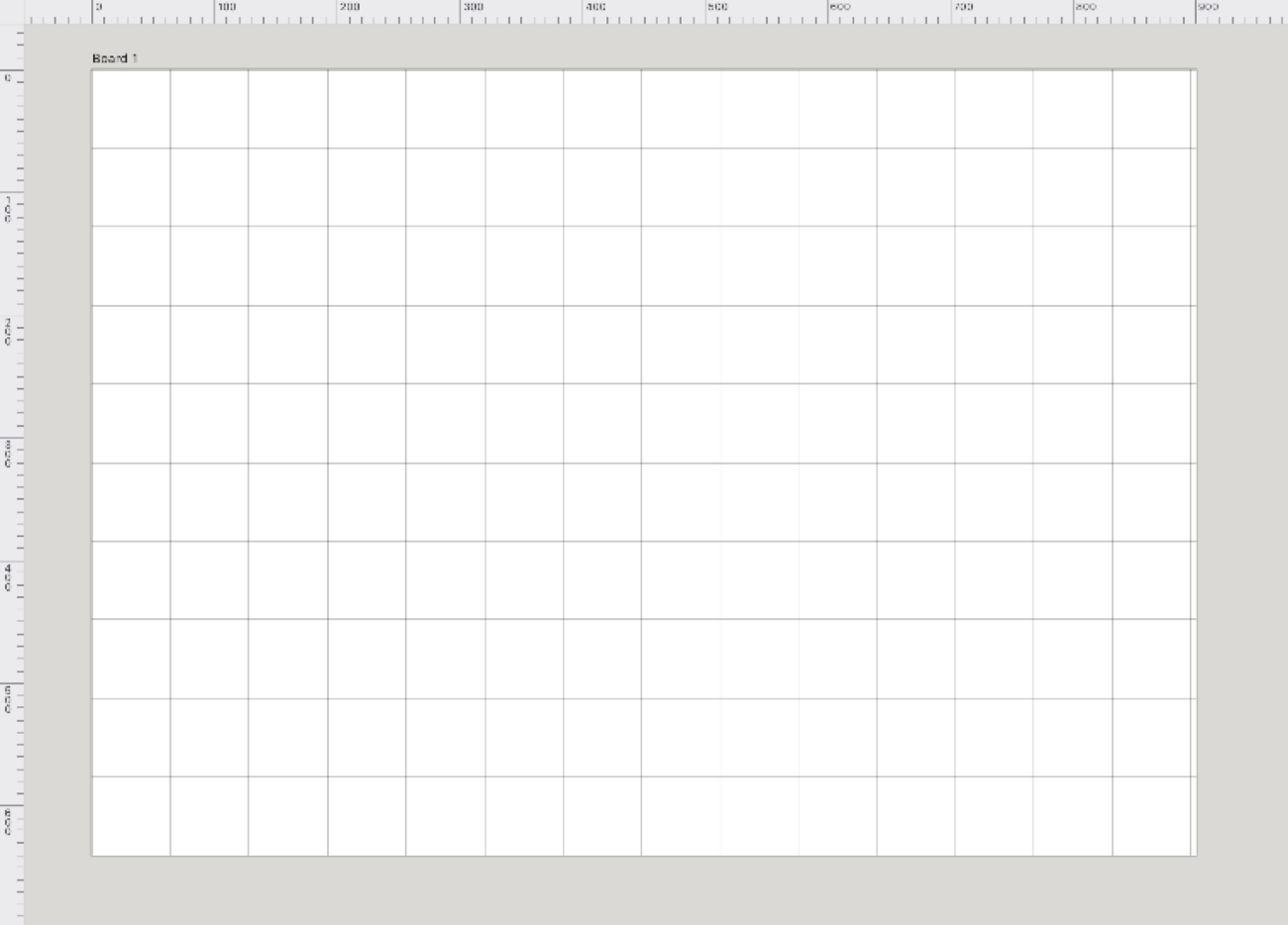
The plain grid: evenly spaced horizontal and vertical lines. Use it for layouts, UI mockups, pixel-style work, icons and anything that wants to line up to a regular measure.
Isometric
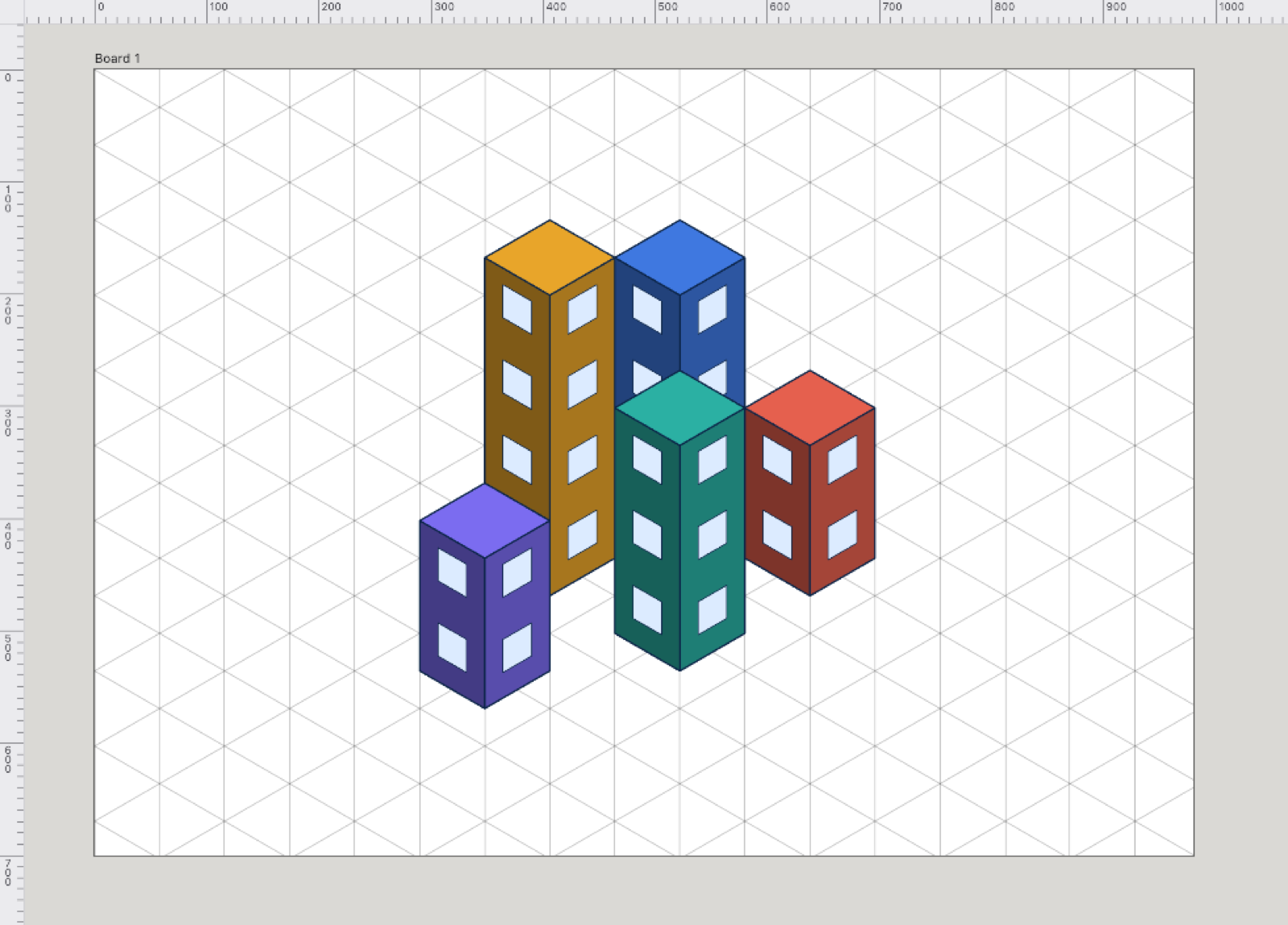
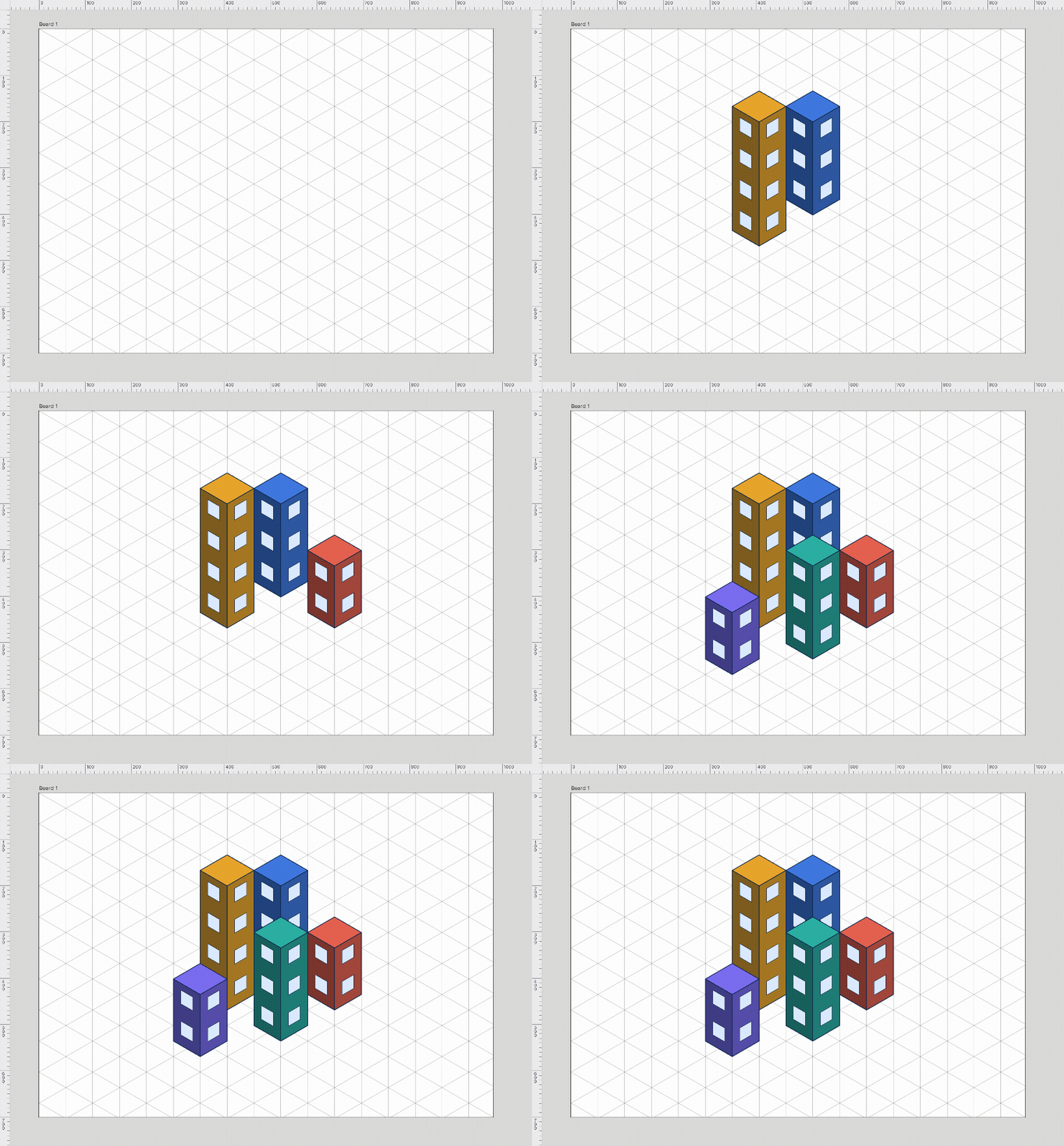
Three sets of lines at 30° stand in for the three axes of a cube, so you can draw rooms, packaging, game tiles and technical illustrations that read as solid without any real 3D. Every wall follows one of the three axes, so boxes stack and meet cleanly. With the grid showing, the shape tools draw along its axes.
Hexagonal
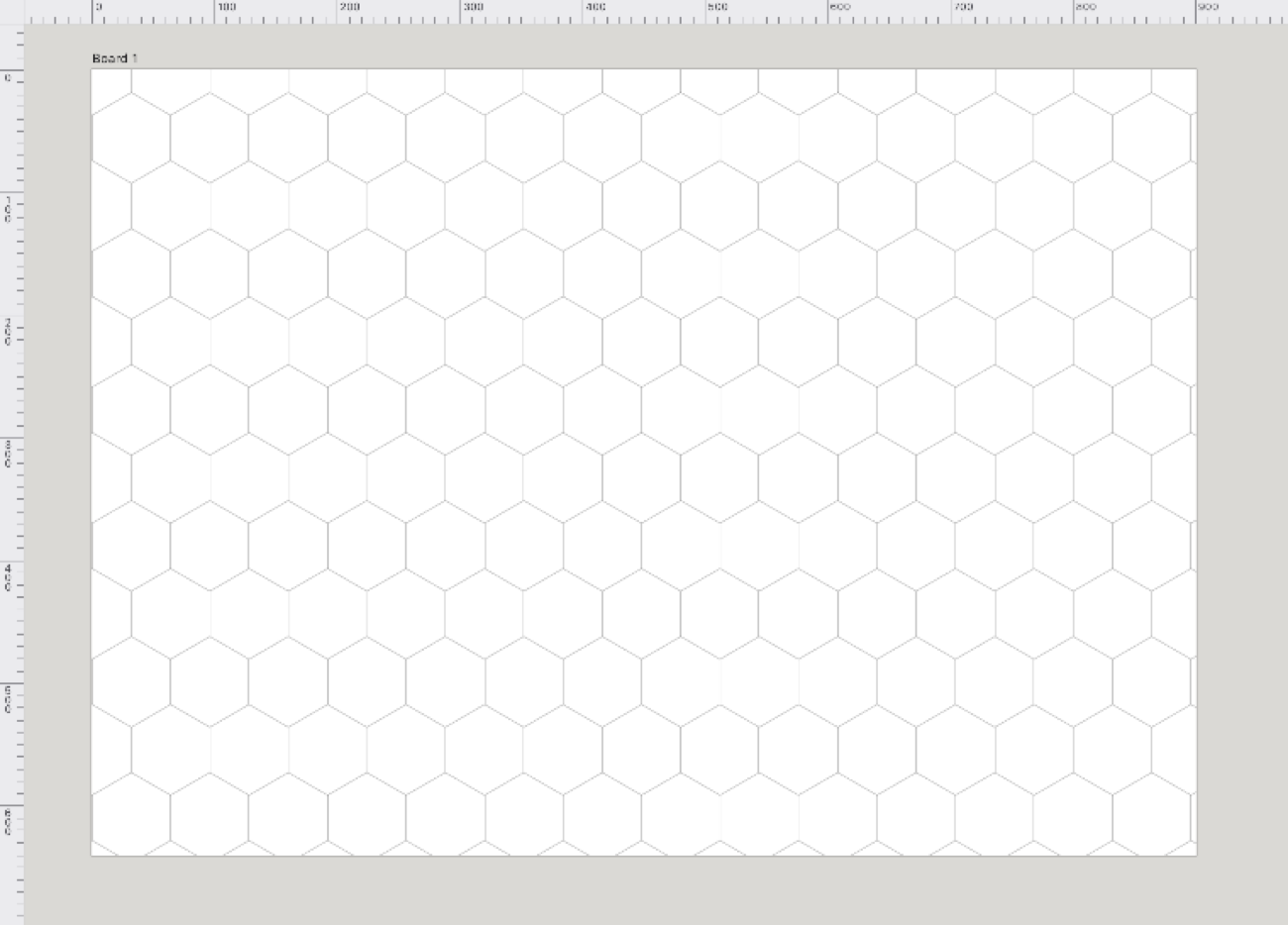
A honeycomb of hexagons. It suits board-game maps, tile patterns and any layout built from six-sided cells. The spacing sets the width of one hexagon, flat side to flat side.
Oblique
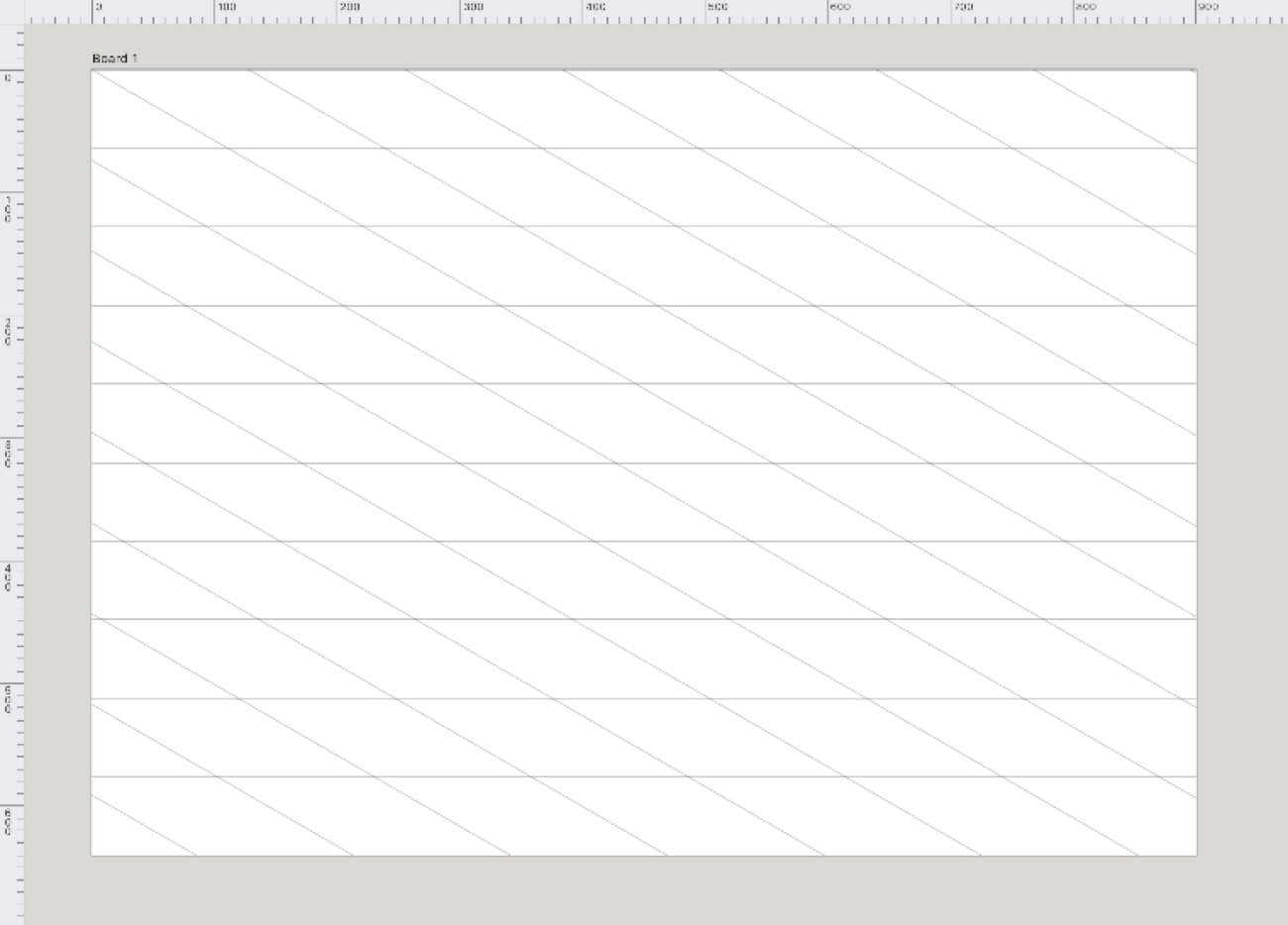
One family of horizontal lines and one slanted family at the angle you choose. It gives a single-axis, side-on projection, handy for cavalier-style diagrams and slanted lettering guides. Set the slant in the Grid Panel.
Golden ratio
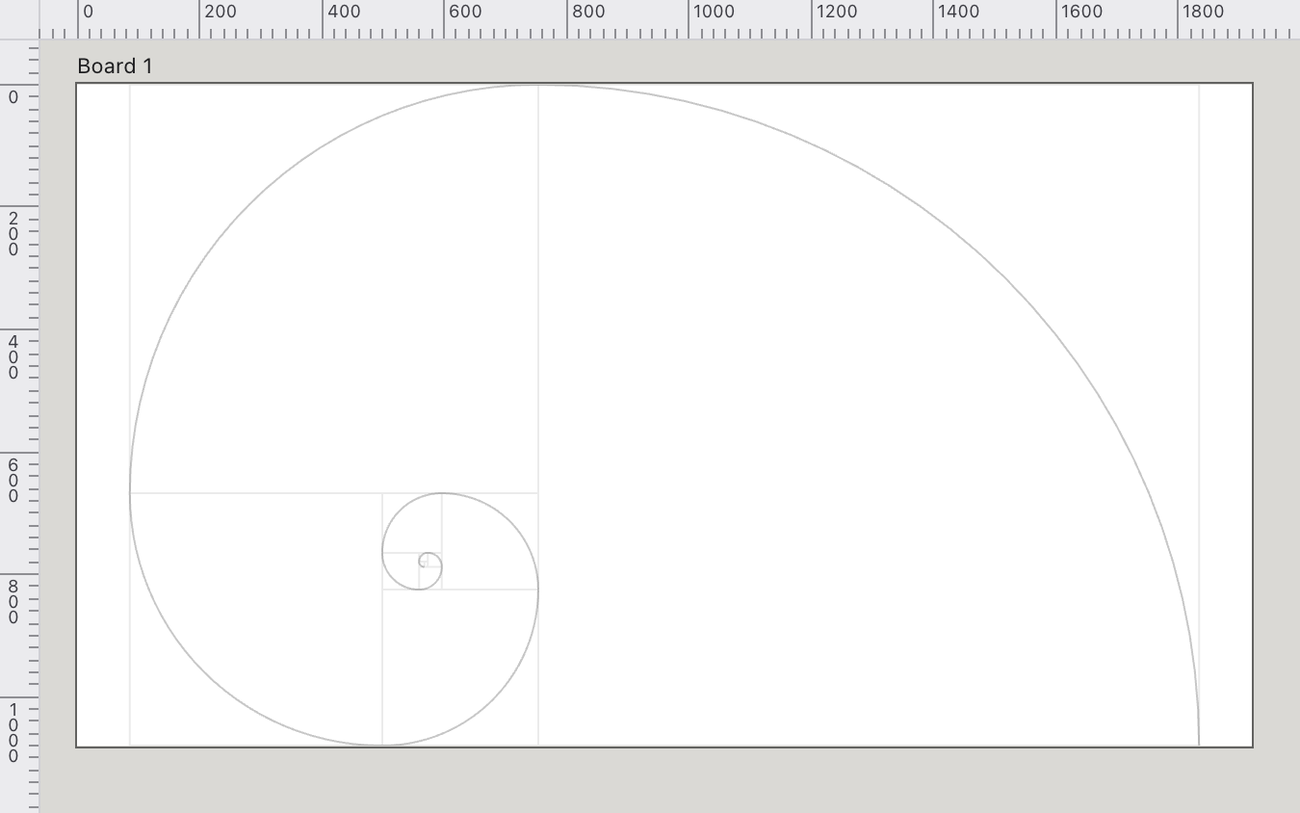
The golden rectangle fitted to the board, cut into its square and smaller rectangle, with the quarter-circle arcs that trace the golden spiral. Use it to place focal points and to size elements in classic proportion. It scales with the board rather than to a fixed spacing.
Pattern
The Pattern grid tiles a pattern swatch across the board and draws it beneath the artwork, so the pattern serves as a backdrop and an alignment guide at once — handy for laying artwork onto a repeat, checking a tile lines up, or working over a reference texture. Pick it under View › Grid › Pattern; the tile comes from the current pattern swatch, which you make and edit as described on the Symbols & brushes page. Like every grid it belongs to the board, so different boards can carry different pattern backdrops.
Perspective
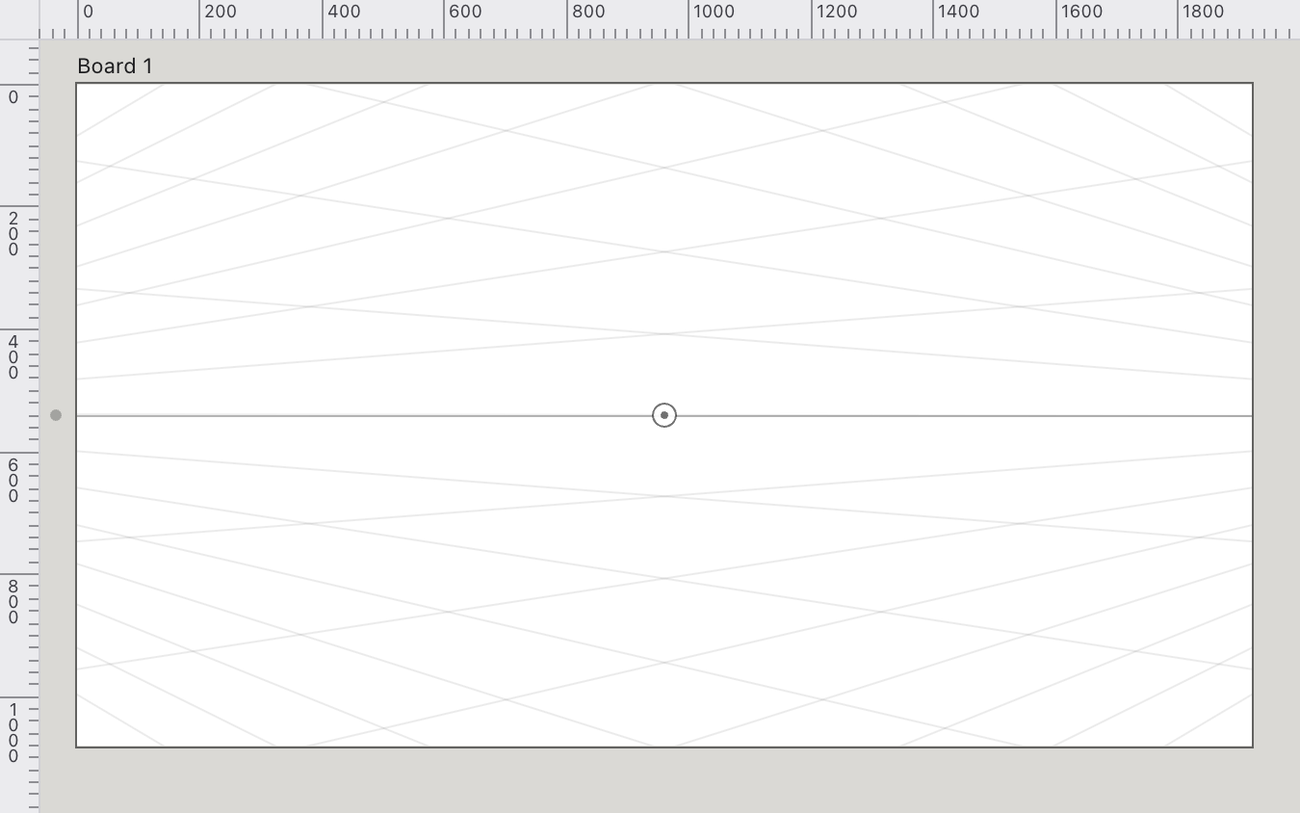
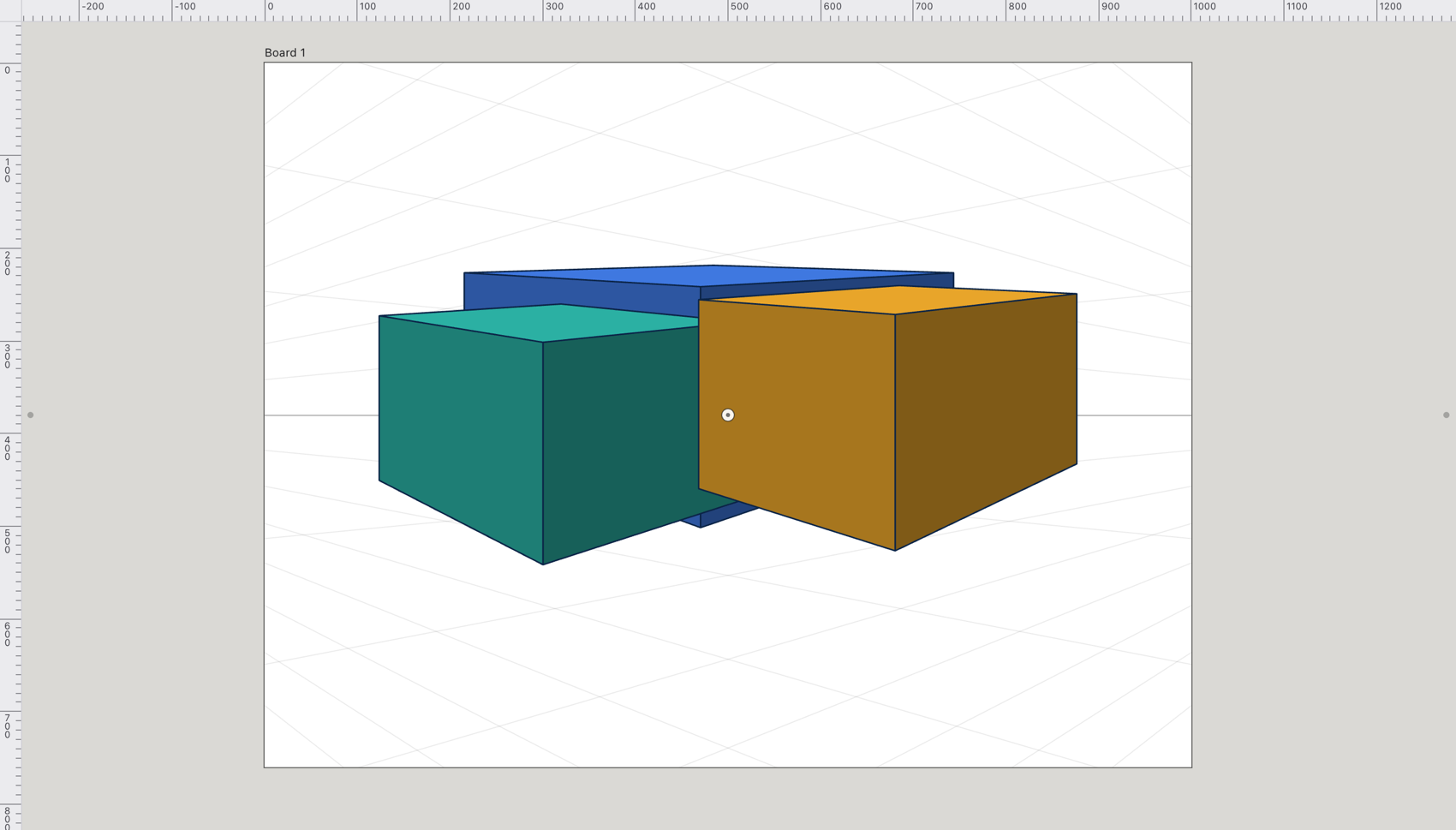
Guides that run to one, two or three vanishing points on a horizon, so you can draw scenes with real depth. Set it up with the Perspective Grid Tool (⇧P): drag the vanishing points, drag one up or down to move the horizon, and press 1 to 4 to pick the plane you draw on. The Grid Panel’s 1 point, 2 point and 3 point buttons switch between the setups. Shapes drawn on the grid share one perspective.